


Why Web Designers Still Need PSD to HTML Conversion In 2026
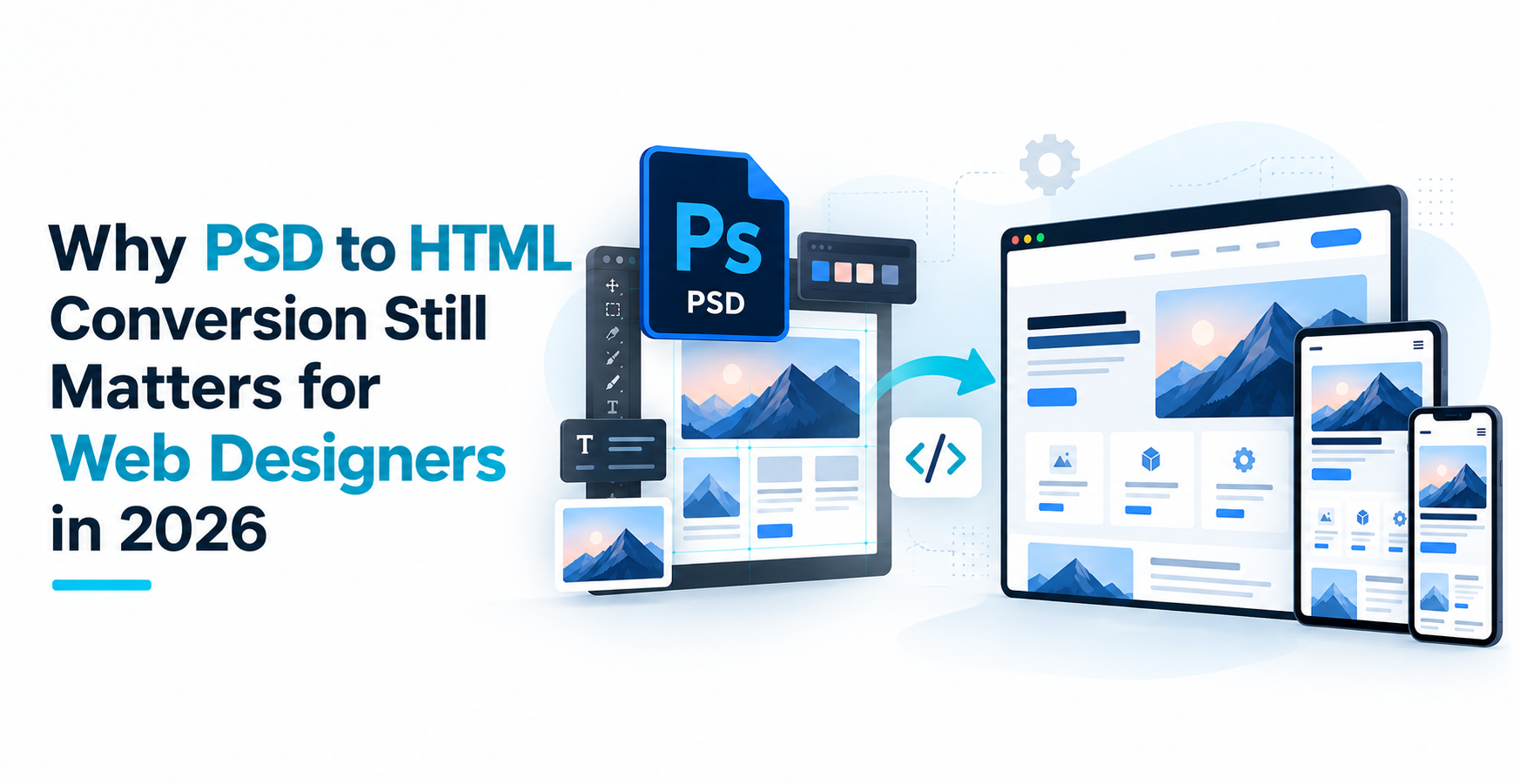
The importance of PSD to HTML conversion has changed, but it remains relevant in 2026.
Most new UI projects are no longer designed exclusively in Photoshop. The collaborative web design is beginning to feel more natural in Figma and other UI design tools. Even so, businesses, agencies, and development teams still work with Photoshop files every day, especially when dealing with existing websites, approved legacy designs, campaign pages, or older client assets.
When a website design already exists as a PSD, converting it into clean HTML, CSS, and JavaScript can still be the most practical route to development.
The important difference today is that PSD to HTML conversion is not simply about making a coded page look like a Photoshop file. The finished page also has to work across screen sizes, remain accessible, load efficiently, and be easy for another developer to maintain.
Is PSD to HTML conversion still worth it for web-designer in 2026?
Yes, when Photoshop is the source design. But the quality of the conversion matters far more than the file format it started from.
What is PSD to HTML Conversion?
PSD to HTML conversion is the process of converting a static Adobe Photoshop website design into a working web page.
The PSD gives a visual reference to the developer. This could be the page layout, the typography, the images, buttons, icons, navigation, banners and other design elements.
The developer then codes that design using front end technologies like HTML, CSS and Javascript .
For example, let’s say a designer has designed a homepage in Photoshop that has a hero banner, three service cards, a testimonial slider, a contact form and a footer.
The PSD shows how those sections should appear.
Development is what determines how they really work.
The service cards should be mobile screen friendly. The slider needs to interact with the user. The form requires usable fields. Images should load efficiently. The navigation has to be usable on a phone.
So, today, the job of converting PSD to HTML is far more than just “slicing” a Photoshop file.
Is PSD to HTML Conversion Still Relevant in 2026?
It depends on the project.
If you are starting a completely new website and your design team already works in Figma, there is usually little reason to recreate the design in Photoshop first.
But that is not the situation every business is in.
A company may already have approved PSD files from an earlier design phase. An agency might receive Photoshop layouts from a client. A business may want to rebuild an existing website without paying for a completely new design. Some campaign and marketing designs may also originate in Photoshop.
In those situations, the question is not, “Should we use Photoshop instead of Figma?”
The design already exists.
The real question is, “What is the best way to turn this approved design into a usable website?”
That is where PSD to HTML conversion remains useful.
At Pixel Perfect HTML, one of the recurring challenges in this type of work is that a PSD often captures a design at a fixed width while the finished website has to work across dozens of possible screen sizes.
A desktop layout may be perfectly clear at 1440px, for example. The PSD does not necessarily tell the developer what should happen when that same page is viewed on a narrow tablet or phone.
That gap between static design and real browser behavior is where front-end experience matters most.
7 Benefits of PSD to HTML Conversion for Web Designers
PSD conversion still offers several practical benefits when the source design is already available. None of these benefits happen automatically, however. They depend on how well the front end is built.
1. It Preserves the Approved Design
A great deal of work can go into getting a website design approved.
Clients review typography, colors, image choices, spacing, content hierarchy, navigation, and individual page sections.
Once those decisions have been made, PSD to HTML development gives the developer a clear visual reference.
A skilled developer can preserve that design direction without forcing every desktop measurement into rigid code.
The goal should be visual accuracy with enough flexibility for the page to behave naturally in a browser.
2. It Turns a Static Layout Into a Responsive Website
A PSD usually represents one particular canvas size.
Visitors do not.
Someone may view the website from a desktop monitor, laptop, tablet, or phone. The layout has to respond accordingly.
A four-column section may become two columns before eventually stacking into one. Large headings may need smaller type sizes. Navigation may switch to a mobile menu. Images may have to crop differently at narrow widths.
This is why simply converting a PSD does not automatically make a page responsive.
Responsiveness has to be designed into the code.
3. It Creates Better HTML Structure
Visual design alone does not define how a page should be structured underneath.
A developer has to decide which text is a heading, which elements belong in navigation, when to use a button instead of a link, how forms should be marked up, and how content sections relate to one another.
Well-structured semantic HTML helps browsers, search engines, assistive technology, and future developers understand the page.
Two websites can look identical in a screenshot while having very different code quality underneath.
4. It Gives Accessibility a Place in Development
A Photoshop file can show the visual state of a website, but it cannot fully communicate how somebody will use it with a keyboard or assistive technology.
Those decisions happen during development.
Links need meaningful text. Forms need labels. Interactive elements need suitable keyboard behavior. Focus states need to remain visible. Heading order should make sense.
Accessibility therefore is not a benefit of PSD conversion by itself.
It is a benefit of good implementation.
5. It Gives Developers Control Over Performance
Photoshop files often contain high-resolution images and visual assets prepared for editing rather than web delivery.
A developer can decide what actually needs to be exported, which visual effects can be reproduced in CSS, how images should be compressed, and whether a particular JavaScript dependency is really necessary.
That makes the conversion stage an opportunity to turn a visually rich design into something much more practical for a browser.
Exporting everything directly from the PSD at maximum quality would miss that opportunity.
6. It Creates Code That Can Be Reused or Extended
A carefully developed front end can become the base for the next stage of the website.
Later on the HTML could be integrated into WordPress, WooCommerce, custom CMS or any other backend system.
Reusable CSS, logical components, and organized files make that work easier.
Poorly structured conversion has the opposite effect. The next developer may spend time untangling or rebuilding code before integration can even begin.
7. It Separates Design Decisions From Development Decisions
A PSD is good at showing visual intent.
HTML, CSS, and JavaScript deal with browser behavior.
Keeping that distinction clear helps both designers and developers.
The designer does not have to predict every line of code, while the developer does not have to invent the visual direction from scratch.
What matters is a good handoff between the two.
What is the workflow of PSD to HTML?
The exact workflow is different but generally starts with the review of the PSD rather than writing the code right away.
The developer reviews the page structure, fonts, images, repeated components, interactive elements, and any missing responsive states.
Then the necessary assets are prepared for the web.Don’t export as images elements that can be nicely generated with HTML and CSS.
The page structure is built using semantic HTML and the layout, typography, spacing, colors and responsive behavior are realized using CSS.
Javascript is added when the design calls for functions such as menus, sliders, accordions, tabs or other interactions.
Lastly, the page is tested on agreed browsers and screen sizes.
That’s what it’s all about. If you need a detailed implementation workflow, it’s better described in a separate step-by-step guide to PSD to HTML conversion, rather than repeating the whole process here.
PSD to HTML vs. Figma to HTML
PSD and Figma can both be starting points for front-end development, but they fit different workflows.
| Comparison | PSD to HTML | Figma to HTML |
| Best suited for | Existing Photoshop designs and legacy assets | New UI and website projects |
| Collaboration | More limited for interface handoff | Designed around collaborative workflows |
| Developer inspection | May require more interpretation | Easier inspection of UI properties |
| Responsive output | Must be implemented by developer | Must be implemented by developer |
| Code quality | Depends on the developer | Depends on the developer |
| Common use case | Existing designs, redesigns, inherited files | New websites and applications |
One important point is often overlooked:
Figma does not automatically produce a better website simply because it is a newer design tool.
Both workflows eventually rely on development quality.
A perfectly organized Figma file can still become poor front-end code. Likewise, a well-prepared PSD can become a fast, responsive, maintainable website when handled by an experienced developer.
For a completely new collaborative UI project, Figma will often be the more practical design workflow.
For a project where the approved design already exists in Photoshop, converting that PSD may be more efficient than recreating everything first.
Can AI Tools Take Over Manual PSD to HTML Conversion?
Artificial intelligence can make developers move faster. It does not take the judgment out of the front end.
A tool may be able to suggest markup, write CSS, generate components, or speed up repetitive coding tasks.
That can be useful.
The difficult part usually comes after the first draft of the code.
What happens when the PSD does not include a mobile version?
How should a complex desktop section reorganize at 768px?
Is an AI-generated button actually accessible?
Did the generated CSS introduce unnecessary fixed widths?
Does the layout still work when a CMS editor adds twice as much text?
Is the page close enough to the design?
These questions need background.
AI is able to assist with the implementation but someone still has to review the output, make responsive decisions, test the result and understand if the code is fit for the actual project.
For straightforward layouts, AI may reduce the amount of repetitive development work.
For production-ready delivery, human review remains important.
Common PSD to HTML Conversion Mistakes
A page can look surprisingly good at first glance while still being poorly converted.
A few mistakes appear regularly.
Treating the Desktop PSD as the Only Layout
The most obvious mistake is reproducing the desktop design accurately and treating mobile as an afterthought.
Simply stacking every section vertically is not always enough.
Some layouts need their spacing, content order, navigation, typography, or image treatment reconsidered for smaller screens.
Turning Too Much of the Design Into Images
There was a time when Photoshop-to-HTML workflows depended heavily on sliced images.
That approach makes much less sense for modern websites.
Text should usually remain real text. Buttons, backgrounds, borders, rounded corners, and many visual details can be created directly with HTML and CSS.
Images should be used where images actually belong.
Using Fixed Dimensions Everywhere
A developer can reproduce a PSD extremely closely by hard-coding positions and dimensions.
The problem usually appears when the viewport changes.
Layouts that depend on excessive fixed widths and absolute positioning can become fragile very quickly.
Accuracy at one resolution is not enough.
Ignoring Accessibility
An interaction may work perfectly with a mouse and still fail for someone using a keyboard.
A beautiful form may have no properly connected labels.
A custom control may have no meaningful focus state.
These problems are easier to prevent during development than to repair after launch.
Loading Heavy Assets Without Optimization
Large PSD files often contain equally large image assets.
Exporting them directly and putting them on the page can create unnecessary loading problems.
Asset preparation should be part of conversion, not an afterthought.
Assuming Visual Accuracy Equals Code Quality
A screenshot only shows the surface.
It does not reveal duplicated CSS, poor HTML structure, unnecessary dependencies, inaccessible interactions, or a layout that breaks when real content is added.
That is why good conversion work has to be judged visually and technically.
When Should You Hire a PSD to HTML Conversion Service?
Not every Photoshop design needs an external conversion provider.
If you have an experienced in-house front-end team, they may already be able to handle the work.
Professional conversion becomes more useful when you have approved PSD files but do not have enough front-end development capacity, need multiple designs converted consistently, or want to hand clean HTML to another development team for CMS or backend integration.
It can also make sense for agencies that need additional production capacity without expanding their permanent development team.
Before choosing a provider, check whether they can answer a few basic questions clearly:
- How will the design behave on mobile if responsive PSDs are not supplied?
- What browsers will be tested?
- Are interactive elements included?
- How is accessibility handled?
- Will images be optimized?
- Isis the code good for future CMS integration?
- What files will be delivered?
- How are design differences and revisions handled?
The cheapest conversion is not always the least expensive project.
If another developer has to rebuild the code later, a low initial price does not mean much.
What Should Web Designers Take From This?
PSD to HTML conversion is no longer something every designer needs for every website.
That is the wrong way to think about it in 2026.
The workflow makes sense when Photoshop is already part of the project.
If a client has approved PSD layouts, if an agency inherits Photoshop designs, or if an existing website is being rebuilt from older source files, PSD conversion remains a practical bridge between design and development.
What has changed is the standard expected from the finished code.
Matching the design is only the beginning.
The website also needs to adapt to different screens, use sensible HTML, remain accessible, load efficiently, and provide a solid base for whatever happens next.
That is what makes PSD to HTML conversion useful today.
Not the fact that the original design was created in Photoshop, but the ability to turn that static design into a website that works properly in the real world.
Frequently Asked Questions
Is PSD to HTML still relevant in 2026?
Yes, if you already have the Photoshop designs for the project. Figma is often better suited to new collaborative UI projects, but existing PSD files still need front-end development when businesses want to turn them into working websites.
Is PSD to HTML good for SEO?
Switching to PSD alone won’t help SEO. Search-friendly results are affected by implementation variables like semantic HTML, how content is structured, page performance, mobile usability and accessibility.
Can PSD to HTML be responsive?
Yes. A PSD can be converted into a responsive website, but responsive behavior has to be implemented by the developer. A static desktop PSD does not automatically define tablet and mobile layouts.
Time to convert PSD to HTML: How long?
Turnaround times vary from project to project. It depends on the number of pages, layout complexity, responsive requirements, interactive elements, testing scope, and quality of the source designs.
How much does PSD to HTML conversion cost?
Cost: Varies with the amount of work to be done. Unique layouts, animations, JavaScript functionality, responsive requirements, browser testing, accessibility needs, CMS integration, and the condition of the PSD files can all affect the estimate.
Is PSD to HTML better than Figma to HTML?
Neither is universally better. Usually Figma is better for new collaborative UI projects. PSD to HTML is good if you already have the approved source designs in Photoshop. The quality of the final website depends primarily on the implementation.
Need to Turn Existing PSD Designs Into a Working Website?
If you already have approved Photoshop files, there is no reason to restart the design process simply because newer design tools exist.
Pixel Perfect HTML can take your PSD designs and turn them into responsive, hand-coded front-end pages built for modern browsers and real-world screen sizes.
Take a look at our PSD to HTML conversion services or upload your design files to us for a project requirement review before we start the development.
About the Author


